Integrations
Connect ReliaPulse with your existing monitoring and tooling.
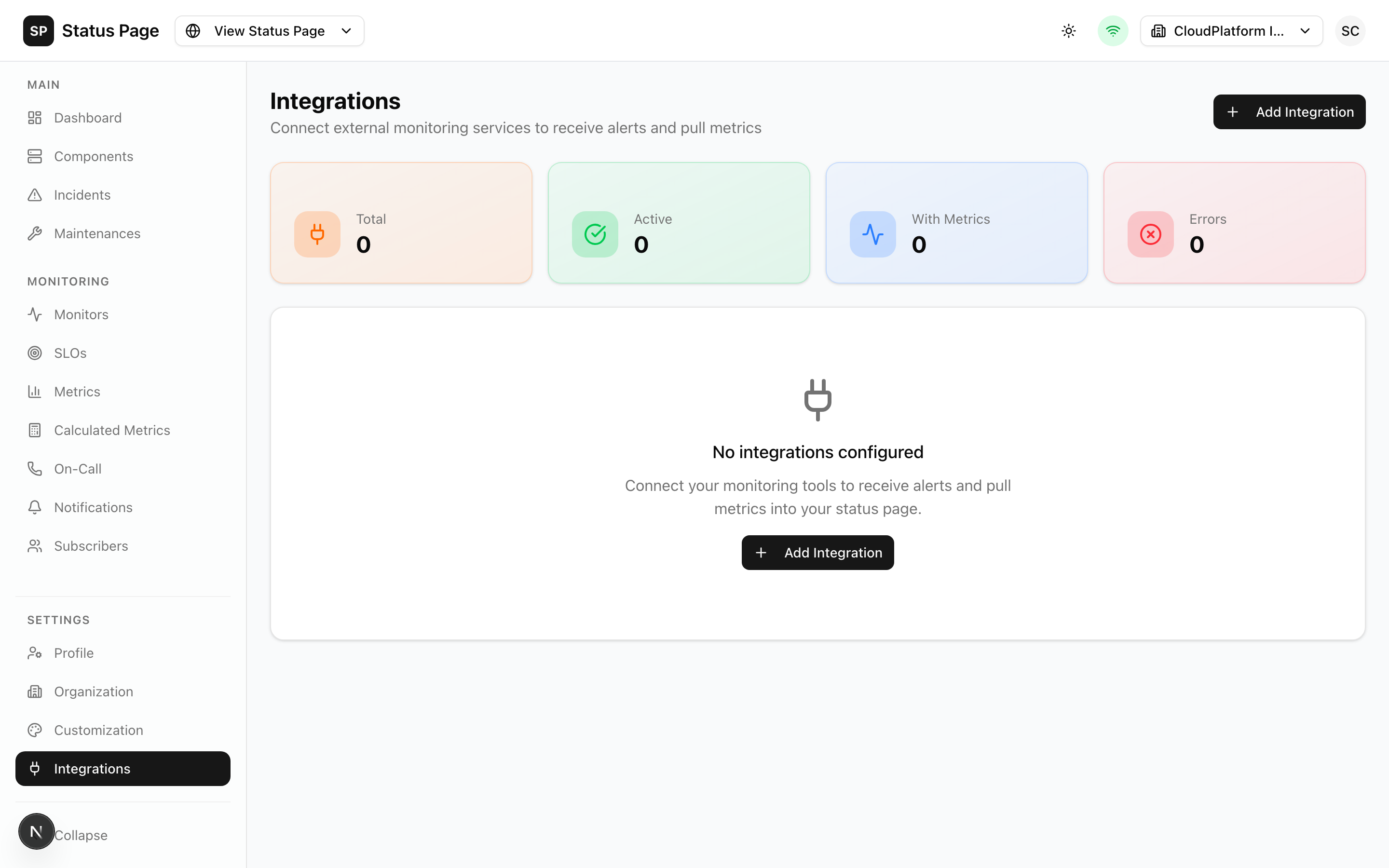
Overview
ReliaPulse integrates with popular monitoring and metrics platforms to:
- Pull real-time metrics for display
- Create METRIC type components
- Set thresholds for automatic status updates
- Enable infrastructure-as-code workflows
Available Integrations
Metrics Integrations
| Integration | Description | Use Case |
|---|---|---|
| Datadog | Application and infrastructure monitoring | APM, infrastructure metrics |
| Prometheus | Open-source monitoring | Container and Kubernetes metrics |
| Grafana | Visualization and dashboards | Multi-source metrics |
| New Relic | Full-stack observability | Application performance |
| Pingdom | Website monitoring | External uptime checks |
Configuration Integrations
| Integration | Description | Use Case |
|---|---|---|
| Git Sync | Infrastructure as code | Version-controlled configuration |
Setting Up an Integration
1. Navigate to Integrations
Go to Settings > Integrations in the dashboard.
2. Add Integration
- Click "Add Integration"
- Select the integration type
- Enter a descriptive name
- Configure authentication
- Test the connection
- Save
3. Create Metrics Queries
After adding an integration:
- Click on the integration
- Go to "Metrics" tab
- Click "Add Query"
- Configure the query and thresholds
- Save
4. Create METRIC Components
Use the metrics in components:
- Go to Components
- Create a new component with type METRIC
- Link to the integration and query
- Set display options
Common Configuration
Integration Object
All integrations share common fields:
| Field | Description |
|---|---|
name | Display name |
type | Integration type |
isEnabled | Active status |
config | Type-specific configuration |
API Endpoints
| Endpoint | Description |
|---|---|
GET /integrations | List integrations |
POST /integrations | Create integration |
GET /integrations/{id} | Get integration |
PATCH /integrations/{id} | Update integration |
DELETE /integrations/{id} | Delete integration |
POST /integrations/{id}/test | Test connection |
GET /integrations/{id}/metrics | List queries |
POST /integrations/{id}/metrics | Create query |
Integration Security
Credential Storage
- Credentials are encrypted at rest
- API keys are stored securely
- Access is logged in audit trail
Network Security
- All external connections use HTTPS
- SSRF protection prevents internal network access
- Connection timeouts prevent resource exhaustion
Best Practices
- Use dedicated API keys - Create keys specifically for ReliaPulse
- Limit permissions - Only grant necessary access
- Rotate credentials - Update keys periodically
- Monitor usage - Review audit logs
Troubleshooting
Connection Failed
- Verify credentials are correct
- Check network connectivity
- Ensure API endpoints are accessible
- Verify IP allowlisting (if applicable)
No Data Returned
- Check query syntax
- Verify metrics exist in source
- Confirm time range is correct
- Check for permission issues
Delayed Data
- Review polling interval
- Check source system latency
- Consider cloud provider delays
Related Documentation
- Metrics - Using metrics in components
- Components - METRIC component type
- API Reference - Integration API